
Why Hire an AI Employee Before Humans
AI employee, AI automation, solopreneur tools, hire AI before humans, business automation, staffless business
What Is an AI Employee (And Why You Need One Before Hiring a Human)
If you’re a solopreneur or running a one‑person business, you don’t need more hustle. You need leverage. An AI employee is that leverage—24/7, low‑cost, and ruthlessly efficient. Here’s why you should hire AI before you even think about hiring a human.
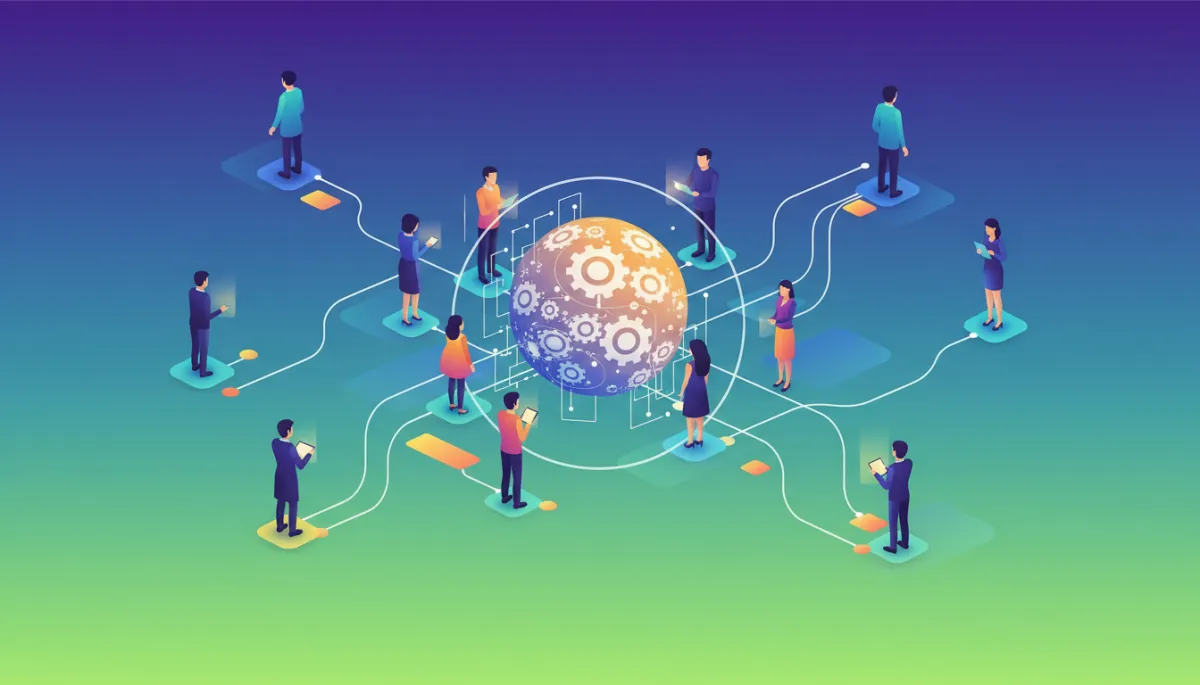
First, Let’s Be Clear: An AI Employee Is Not a Fancy App
Most solopreneurs treat AI like a toy—something you open in a browser, ask for a caption, then forget. That’s not an AI employee. That’s a distraction.
An AI employee is a defined role in your business, powered by AI automation and tools, with:
- A clear job description and scope of work
- Standard operating procedures (SOPs) it follows every time
- Tools and automations wired together to execute tasks end‑to‑end
- Metrics so you can measure performance like a real team member
It’s not “I asked ChatGPT for ideas.” It’s “My AI marketing assistant drafts three emails, two posts, and a landing page every Monday by 9 a.m., and I only spend 15 minutes approving them.”
Why Solopreneurs Should Hire AI Before Humans
If you’re a one‑person business, every hire is risky. Payroll locks you in. Training eats your time. Firing is awkward and expensive. An AI employee solves most of that headache before it starts. Here’s why you should hire AI before humans.
- Cost: A strong AI stack often costs less than one entry‑level assistant per month. No benefits. No taxes. No sick days.
- Speed: AI automation executes in seconds what takes a human hours—content, replies, reports, summaries, research, and more.
- Scalability: When your volume doubles, your AI employee doesn’t complain. You just upgrade a plan or tweak a workflow.
- Control: You still make the calls. AI handles the grunt work. You approve, refine, and direct instead of doing everything.
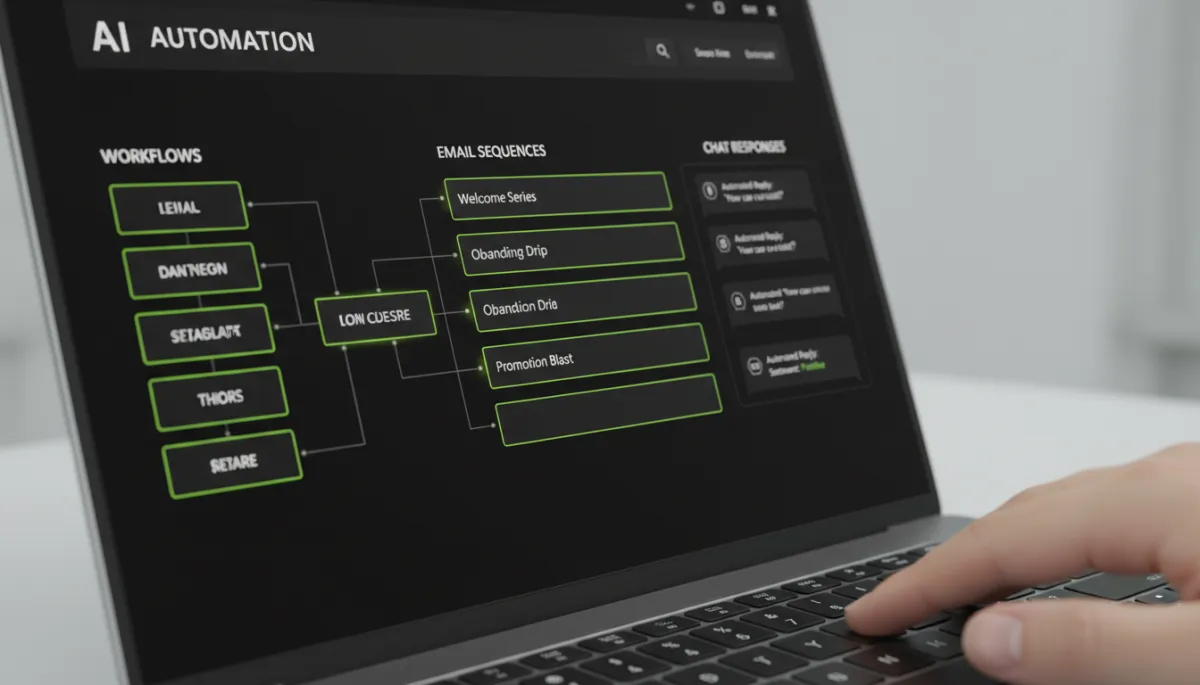
Treat AI as an employee with real responsibilities, not as a toy you open once a week.
The Core Roles Your AI Employee Should Cover
You don’t need 20 tools. You need a few clear AI employee roles that support your revenue. For a solopreneur, these are the non‑negotiables if you want a serious staffless business:
1. AI Marketing Assistant
This AI employee handles top‑of‑funnel attention and nurture. It can:
- Draft social posts, email newsletters, and blog outlines in your brand voice
- Repurpose one piece of content into multiple formats automatically
- Suggest headlines, hooks, and CTAs based on what has worked before
You still approve the message. But you’re no longer staring at a blank page for two hours. That’s the difference between dabbling with AI and using it as a real marketing employee.
2. AI Operations Coordinator
This is the backbone of business automation. It connects your tools and keeps your workflow tight:
- When someone fills out a form, it adds them to your CRM, tags them, and triggers the right email sequence automatically.
- When a payment comes in, it sends an invoice, updates a spreadsheet, and delivers access to your product without you touching it.
- It summarizes daily activity into a short report: leads, sales, tasks, and red flags.
This is where a staffless business becomes real. The more you offload to your AI operations coordinator, the less your revenue depends on your personal energy level that day.
3. AI Customer Support Rep
You can’t scale if every “quick question” hits your inbox directly. An AI employee here acts as your first line of defense:
- Answers FAQs from a knowledge base you create once and refine over time
- Handles refunds, reschedules, and basic troubleshooting based on clear rules
- Escalates only the edge cases to you with a summary and suggested reply
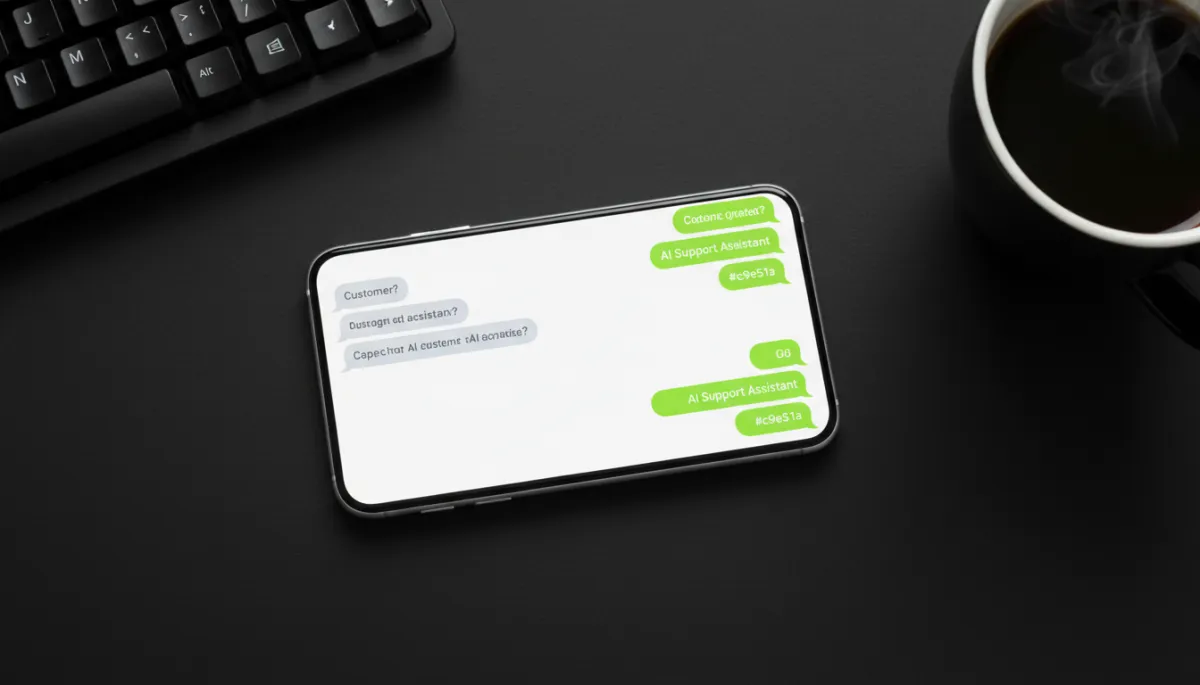
Let AI handle 80% of support so you only touch the 20% that truly needs you.
The Tech Behind an AI Employee (Without Drowning in Tools)
You’re not trying to become a systems engineer. You’re trying to build a business that doesn’t collapse when you take a day off. So keep your solopreneur tools stack lean and intentional.
Typical components of an AI employee setup:
- A general AI model (like ChatGPT, Claude, or similar) as the “brain” for text, strategy, and decision support
- An automation platform (Zapier, Make, or native automations) to move data between apps automatically
- A CRM or email tool to manage leads, clients, and nurture sequences
- A chat widget or helpdesk tool if you want visible AI support on your site
How to “Onboard” Your AI Employee Like a Real Hire
If you treat AI like a random assistant, you’ll get random results. Onboard it like you’re hiring a human and your output becomes shockingly consistent. Here’s a simple process tailored to solopreneurs building a staffless business.
Step 1: Write a Job Description
Define exactly what this AI employee owns. For example:
- “You are my AI Marketing Assistant. You draft all weekly emails, social posts, and podcast show notes. You write in a direct, bold tone. You never overpromise. You always include a clear call to action.”
This becomes your base prompt or system instruction. It’s the equivalent of a job contract for your AI employee.
Step 2: Build Simple SOPs
Don’t overcomplicate this. Write out simple checklists it should follow. For example, for a weekly newsletter:
- Hook: 1–2 bold sentences calling out a real problem
- Story or insight: 200–300 words, practical and direct
- CTA: One clear action (reply, book, buy, read)
Feed this to your AI employee every time it creates that asset. Over time, you refine the SOP as you see what works.
Step 3: Decide Approval Rules
You don’t want to micromanage, but you also don’t want AI firing off things you’ve never seen. Set rules like:
- “All emails and sales pages require my approval.”
- “Routine support responses under $100 impact can go out automatically.”
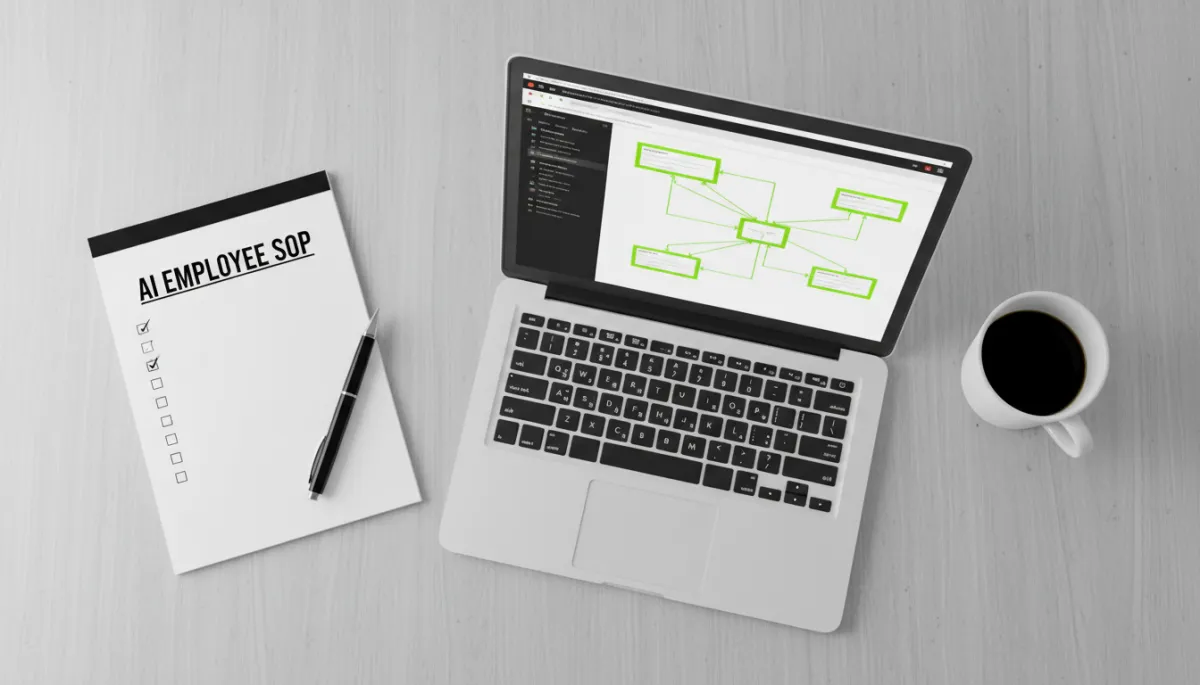
Clear SOPs turn AI from a random helper into a reliable, trainable employee.
What an AI Employee Can Actually Do for You Day to Day
Let’s cut the theory. Here’s what a real AI employee can handle in a normal week for a one‑person business.
- Content: Turn your one YouTube video or podcast into a blog post, email, 5 social posts, and a LinkedIn article—without you rewriting everything from scratch.
- Lead Capture: Create and test lead magnets, write landing page copy, and plug new leads automatically into your nurture sequence.
- Follow‑up: Generate personalized follow‑up emails after calls or purchases, summarizing key points and next steps from your notes or recordings.
- Admin: Categorize expenses, draft invoices, summarize long documents, and keep your task list updated from emails and forms.
You stop being the bottleneck. You become the editor, the strategist, the closer—not the overworked intern doing everything manually.
Common Fears (And Why They’re Mostly Excuses)
“It Won’t Sound Like Me”
Then train it. Feed your AI employee 10–20 samples of your best emails, posts, or transcripts. Tell it exactly what you like and what you hate. This is no different from training a junior copywriter—except it learns faster and doesn’t get offended by blunt feedback.
“What If It Makes Mistakes?”
It will. So will every human you ever hire. The solution is the same: clear boundaries and approvals. Start with low‑risk tasks and high oversight. As your trust grows, let it handle more on autopilot. That’s how you build reliable AI automation into your business.
“I Don’t Have Time to Set This Up”
You don’t have time not to. Every hour you invest in building an AI employee pays you back for months or years. Keep doing everything yourself, and you’ve just volunteered to be your own underpaid assistant forever.

You can be the entire staff or you can run a staffless business. You choose.
Simple 7‑Day Plan to Hire Your First AI Employee
You don’t need a six‑month implementation. Here’s a blunt, practical rollout plan you can follow this week.
- Day 1 – Pick the Role: Choose one: marketing assistant, operations coordinator, or customer support rep. Don’t try to build all three at once.
- Day 2 – Write the Job Description: Define scope, tone, and responsibilities in one page or less. This becomes your core prompt.
- Day 3 – Gather Examples: Collect your best emails, posts, or support replies. Feed them to your AI as training material and highlight what “good” looks like.
- Day 4 – Build One SOP: Pick a single recurring task (weekly email, onboarding sequence, FAQ reply) and write a simple step‑by‑step checklist for your AI employee to follow.
- Day 5 – Connect One Automation: Use Zapier, Make, or built‑in automations to connect one trigger (new lead, new payment) to one action (email, task, message) with AI in the middle to personalize or process.
- Day 6 – Test and Break It: Run test data through the flow. Intentionally push edge cases. Refine prompts, conditions, and messages until it behaves the way you want.
- Day 7 – Go Live with Guardrails: Turn it on for real customers, with clear approval rules and daily review. Adjust as you go.

In one focused week you can go from chaos to a functioning AI employee.
When to Add a Human on Top of Your AI Stack
This isn’t anti‑human. It’s anti‑waste. You add humans when:
- Your AI employee is already doing 70–80% of the repetitive work in a role
- You have consistent revenue that justifies extra payroll without stress
- The remaining 20–30% of work needs human nuance, empathy, or judgment that AI can’t reliably handle yet
At that point, a human hire is stepping into a well‑oiled system, not a mess. They’re supported by your AI employee, not drowning in random tasks. That’s how a solopreneur turns into a real company without burning out or blowing up the P&L.
The Bottom Line: Your First Hire Shouldn’t Need a Desk
If you call yourself a solopreneur in 2026 and you’re still manually sending every email, copying data between tools, and replying to every support message yourself, you don’t have a business. You have a job with a fancy title.
A true staffless business is built on systems, not heroics. An AI employee is the fastest, cheapest way to build those systems today. It’s not perfect. It’s not magic. But it is leverage—real, measurable leverage you can deploy right now.
So here’s your decision point:
- Keep doing everything yourself, waiting until you’re “ready” to hire a human, or
- Hire an AI employee now, let it carry the boring load, and use your time for the work only you can do.
If you want a business that runs without you glued to the keyboard, the answer is obvious: hire AI before humans. Build the machine first. Then decide who, if anyone, needs to sit on top of it.
